What to Know Before Hiring a Web Dev Studio: The Tech Stack Explained
Investing in a new website or web application is a significant step for any business. Whether it’s a breathtaking marketing presentation, a complex platform, or a “no-compromises” online store, you want to ensure you’re getting value for your money. But when developers start talking about “frontend,” “backend,” “APIs,” and “databases,” it can feel like listening to an unsensible bragging about dev terms. Then you might ask yourself a question, as every manager does: What exactly am I paying for when I hire a web development studio?
Understanding the basic building blocks — often called the “tech stack” — doesn’t mean you need to learn how to code. It means you can have more informed conversations with your development team, make smarter decisions about your project’s features, and better appreciate the expertise required, especially for complex projects like e-commerce website development.
Let’s break down the core components of most web projects:
Frontend: The Face of Your Website

- What it is: The frontend is everything a user sees and interacts with directly in their web browser. Think layout, colours, fonts, buttons, forms, and menus. It’s the visual presentation and the user interface (UI).
- Technologies Involved: Primarily HTML (structure), CSS (styling), and JavaScript (interactivity). Frameworks like React, Angular, or Vue.js are often used to build complex interfaces efficiently. Our beloved is SvelteKit, a direct competitor to React.
- Why it Matters to You: This is your digital storefront. A well-designed frontend creates a positive user experience (UX), reflects your brand identity, and makes it easy for visitors to find information or complete actions (like making a purchase). First impressions count!
Backend: The Engine Room
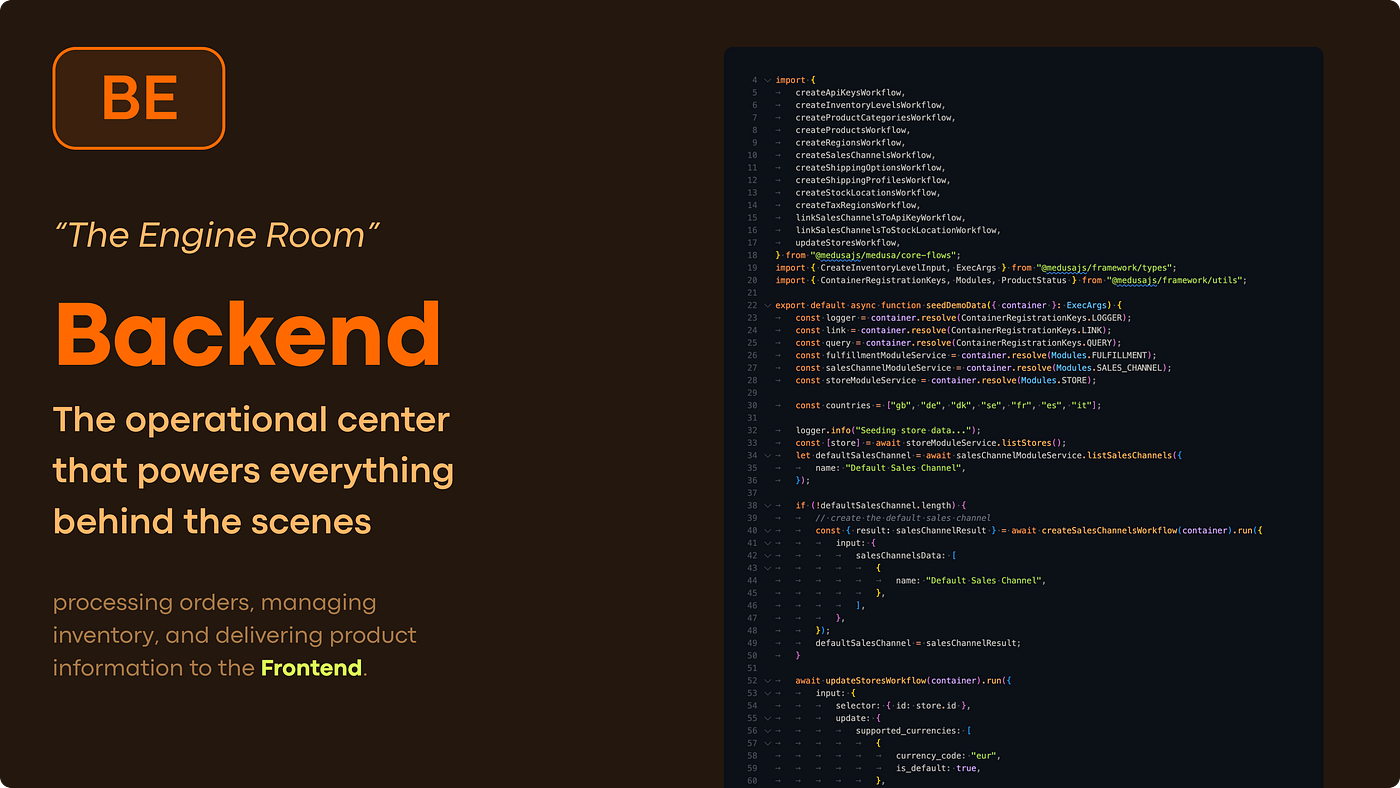
- What it is: The backend is the hidden part of the website that powers the functionality. It runs on a server and handles things like processing data, managing user accounts, security, and business logic. If the frontend is the shop floor, the backend is the stock room, the manager’s office, and the security system all rolled into one.
- Technologies Involved: Server-side programming languages (like Python, Ruby, PHP, Java, Node.js), server infrastructure, and databases (more on that next).
- Why it Matters to You: The backend ensures your website works. It handles order processing, user logins, data validation, and ensures everything runs smoothly and securely. For any serious application, especially those requiring robust e-commerce website development services, a strong backend is non-negotiable.
Database: The Organized Filing Cabinet
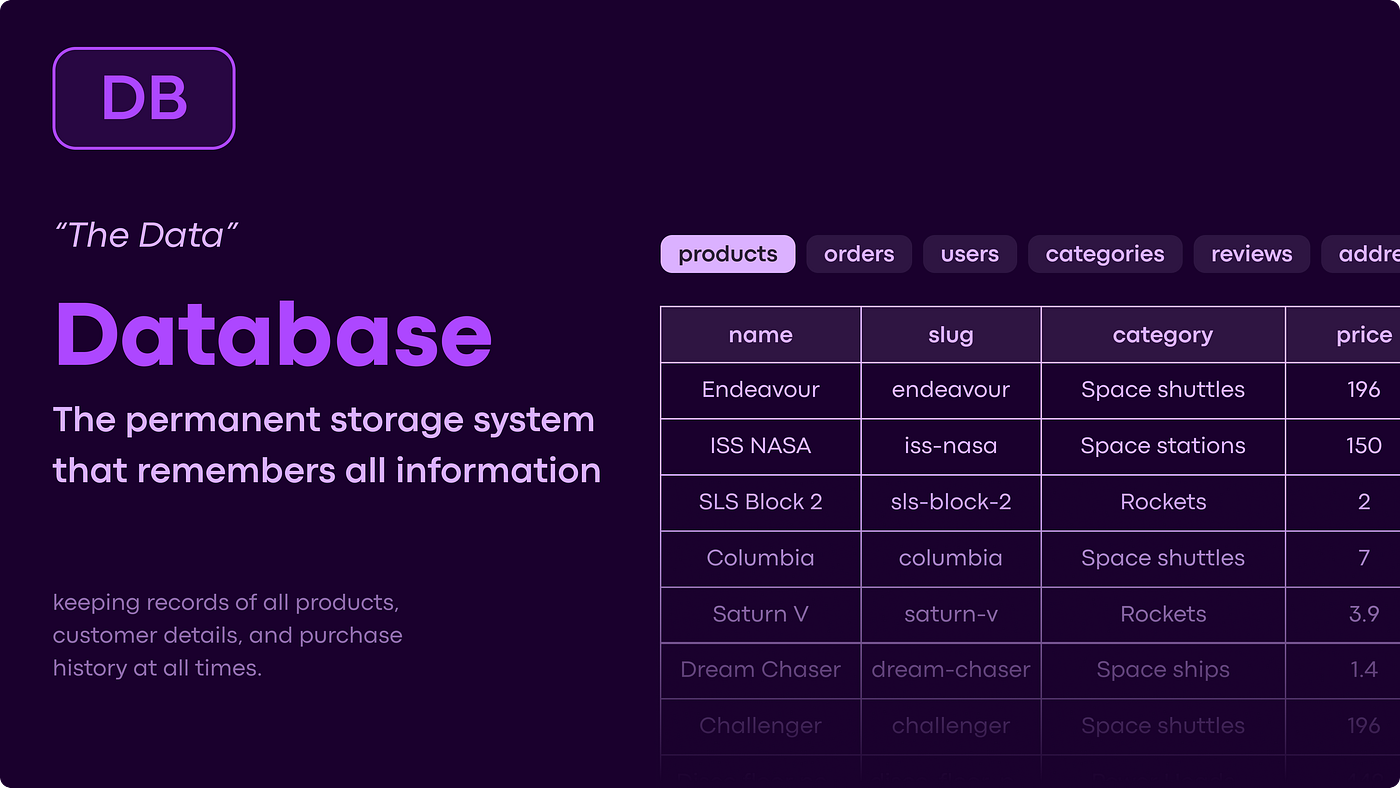
- What it is: The database is where all the website’s data is stored and organized. This includes user information, product details, order history, content, and more. It allows the backend to retrieve, update, and manage information efficiently.
- Technologies Involved: Relational databases (like PostgreSQL, MySQL) or NoSQL databases (like MongoDB), depending on the data structure needs.
- Why it Matters to You: Without a database, your website couldn’t remember anything. It’s essential for storing customer data, product catalogs, blog posts, and any other information that needs to persist. Proper database design is critical for performance and scalability, particularly in custom e-commerce website development.
API (Application Programming Interface): The Messenger
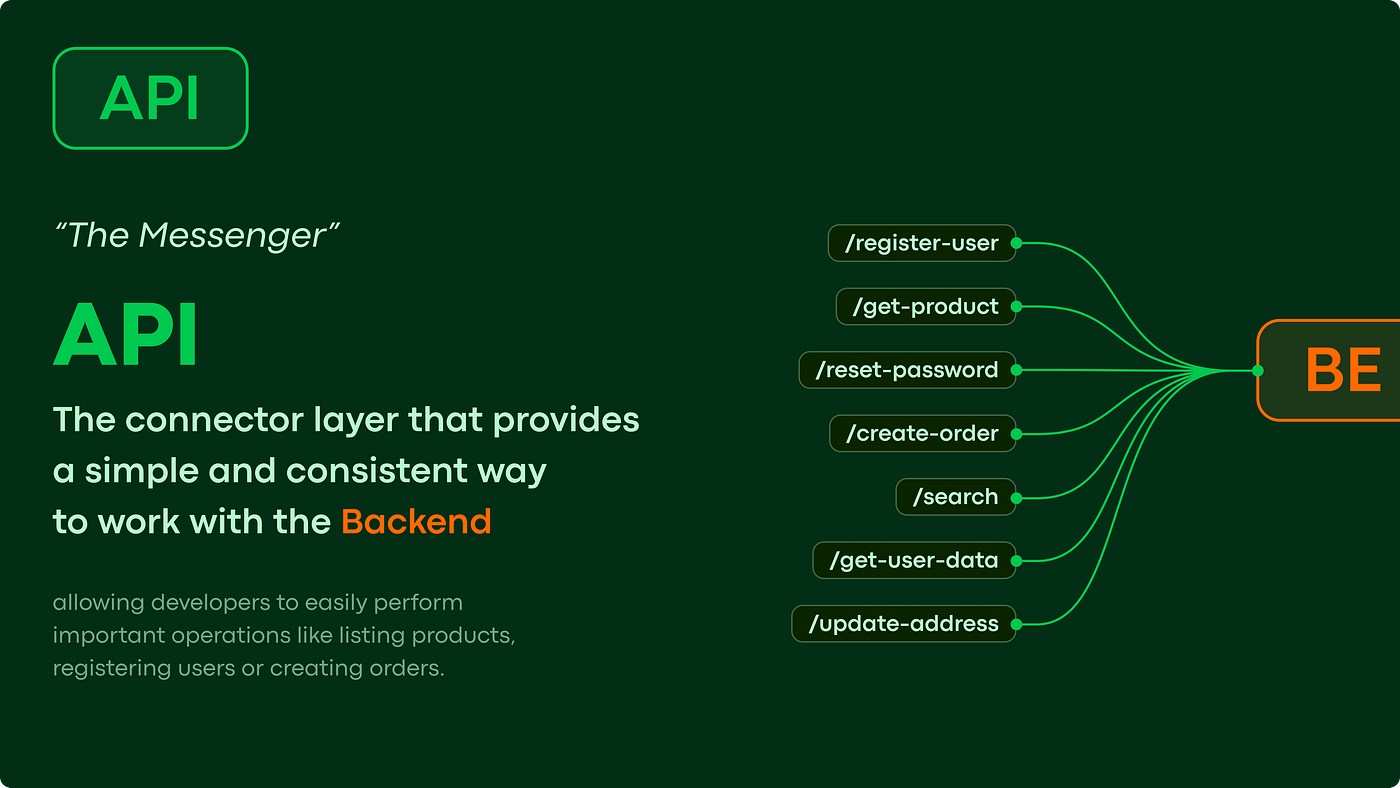
- What it is: An API acts as a messenger or translator between different software components. It defines a set of rules and protocols allowing separate systems to talk to each other and exchange data in a standardized way.
- Why it Matters to You: APIs are the glue that connects different parts of your application (like the frontend and backend) and allows your website to integrate with third-party services. Think payment gateways (Stripe, PayPal), shipping calculators (FedEx, UPS), map services (Google Maps), or social media logins.
CMS (Content Management System): Your Control Panel
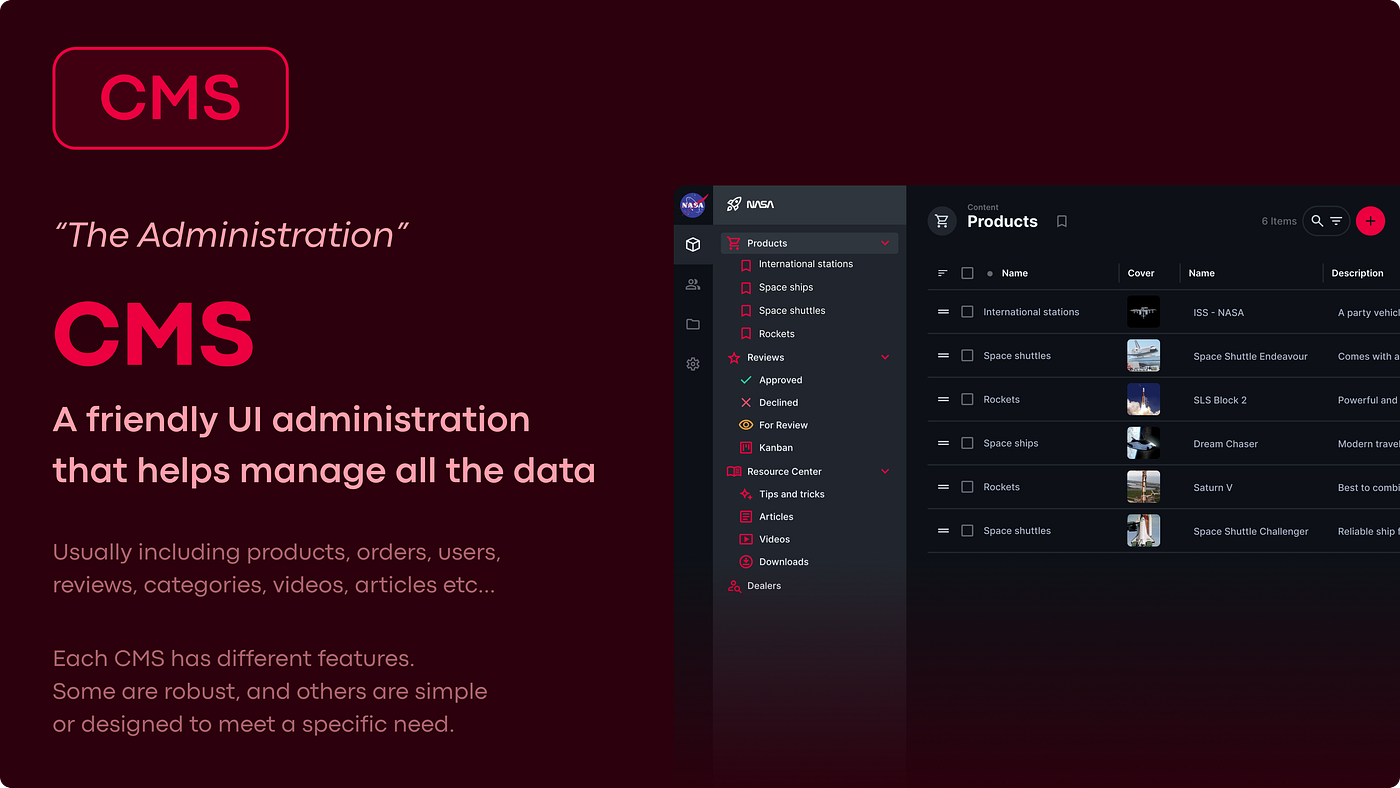
- What it is: A CMS is a software application that allows users to create, manage, and modify website content without needing specialized technical knowledge. It provides an interface (often web-based) to handle text, images, products, blog posts, etc.
- Examples: WordPress, Shopify, Magento, Drupal, or even custom-built systems. Many more examples below.
- Why it Matters to You: A CMS empowers you or your team to manage your website’s day-to-day content easily. You can update product descriptions, publish blog posts, or change banners without calling your developer for every minor tweak. This saves time and money, keeping your site fresh and relevant.
How do these work together?
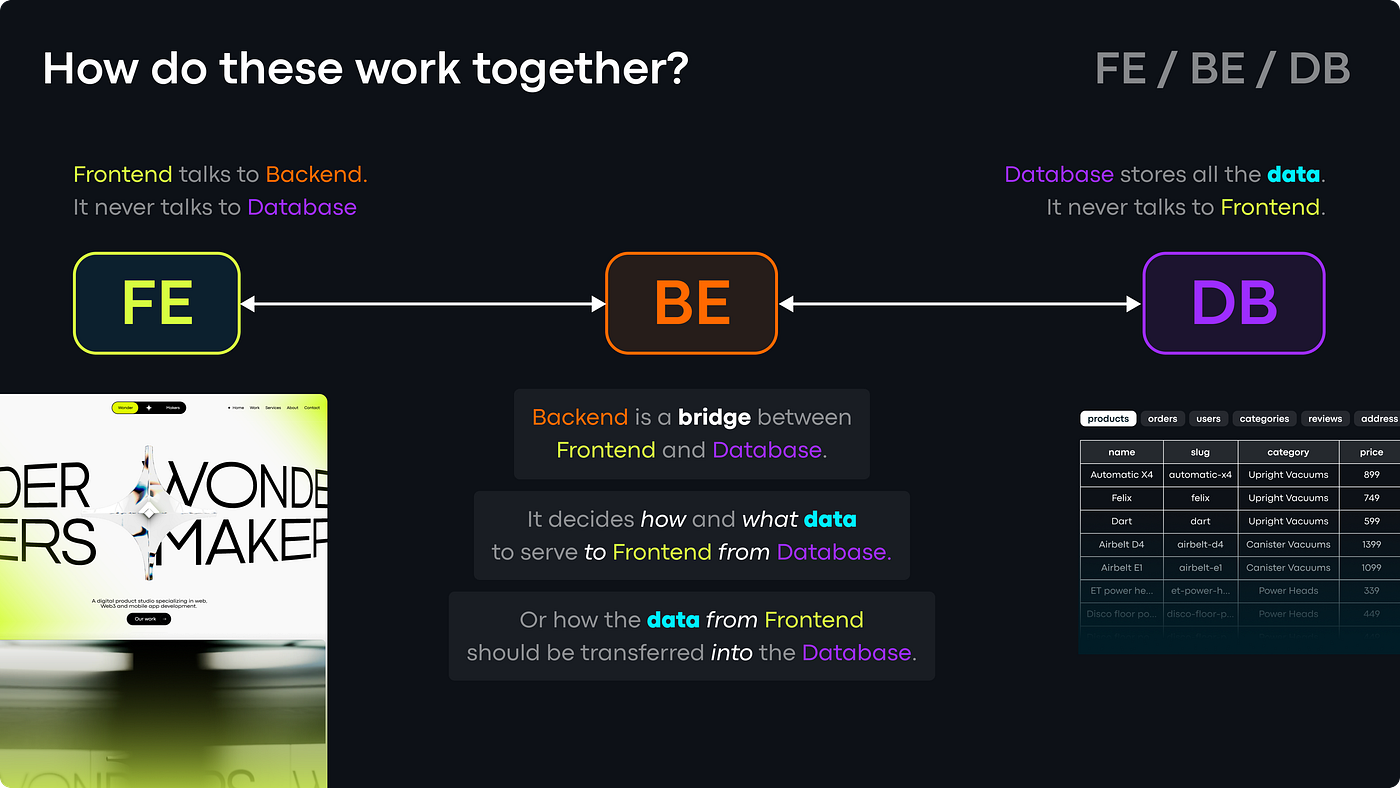
Let’s imagine a customer clicking “Add to Cart” on your e-commerce site:
- Frontend: The customer clicks the button. JavaScript on the frontend registers this action and might show a quick visual confirmation (e.g., item flies into a mini-cart icon).
- API Call: The frontend sends a request (via an API call) to the backend, saying “User X wants to add Product Y to their cart.”
- Backend: The backend receives this request. It verifies the user and product exist, checks stock levels (potentially querying the Database), and updates the user’s shopping cart data.
- Database: The backend instructs the database to record that Product Y is now in User X’s cart.
- API Response: The backend sends a response back (via the API) to the frontend, confirming the action was successful and perhaps providing the updated cart total.
- Frontend: The frontend receives the response and updates the display accordingly — showing the correct number of items in the cart icon and the updated subtotal.
How does the API connect everything?
As the example shows, the API isn’t just one connection. It’s the communication standard. The frontend talks to the backend via APIs. The backend might talk to the database directly or through another layer, but it often uses APIs to talk to external services — like checking a credit card via a payment processor’s API or getting shipping rates via a courier’s API. This structured communication makes complex systems manageable and allows different parts to be developed or updated independently.